Key Takeaways: The 2026 Annotation Analytics Masterclass

Co-Founder & CEO at Encord
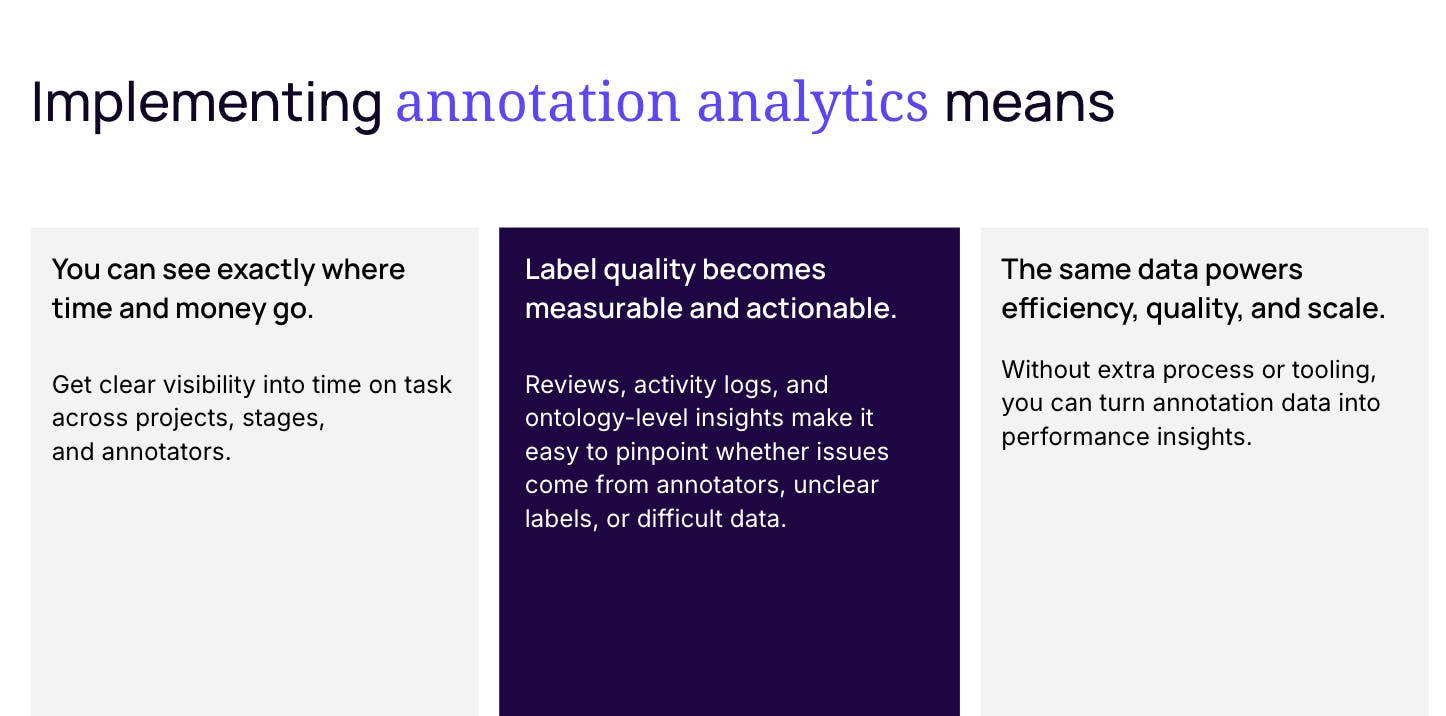
Annotation is one of the most expensive and time-consuming parts of building ML data pipelines. But for many teams, it remains a black box.
Are annotators working efficiently? Are reviewers improving quality or slowing everything down? Are bottlenecks caused by people, workflows, or the data itself?
In our recent Annotation Analytics Masterclass, Encord’s ML Engineer, Jim and Deployment Strategist, Jagan walked through how annotation analytics can turn these common questions into actionable insights. They showed how ML teams can diagnose performance issues, protect label quality, and iterate faster.
Here are the key takeaways.
1. Annotation performance can hinder model development
Most teams measure how well a model performs but have little visibility into how their training data is produced.
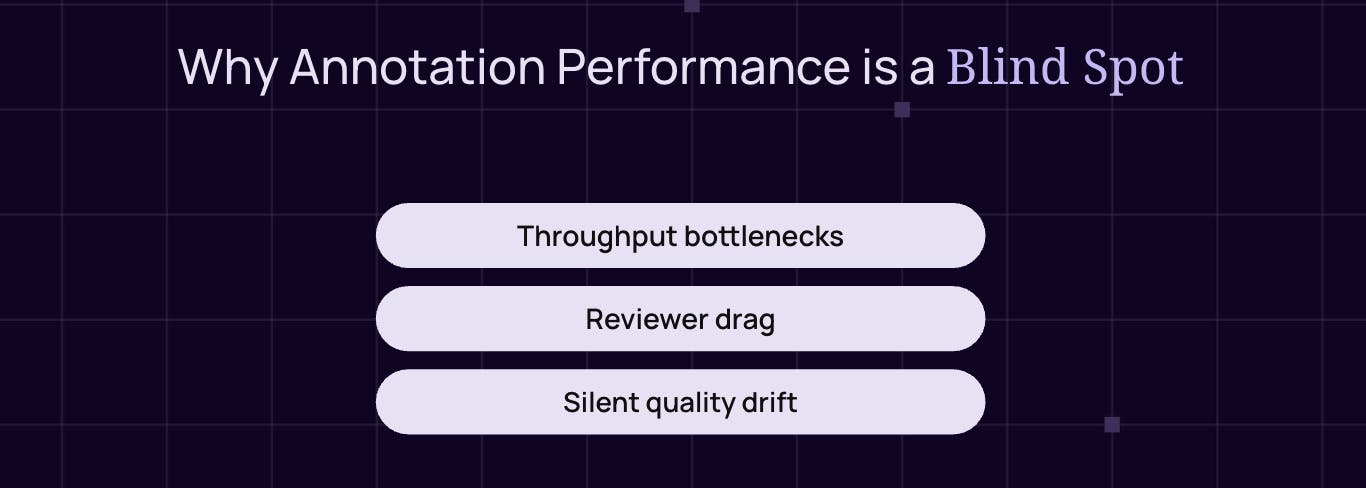
As Jim shared from running large-scale annotation projects, such as EMM-1, delays don’t usually come from a single obvious failure. Instead, they accumulate through:
- Slow annotators or overloaded reviewers
- Subtle quality drift over time
- Poorly scoped tasks or mismatched data
- Review cycles that loop repeatedly without resolution
Without analytics, these issues persist and quietly slow down model progress.
2. Measure productivity by where time is spent, not just how much
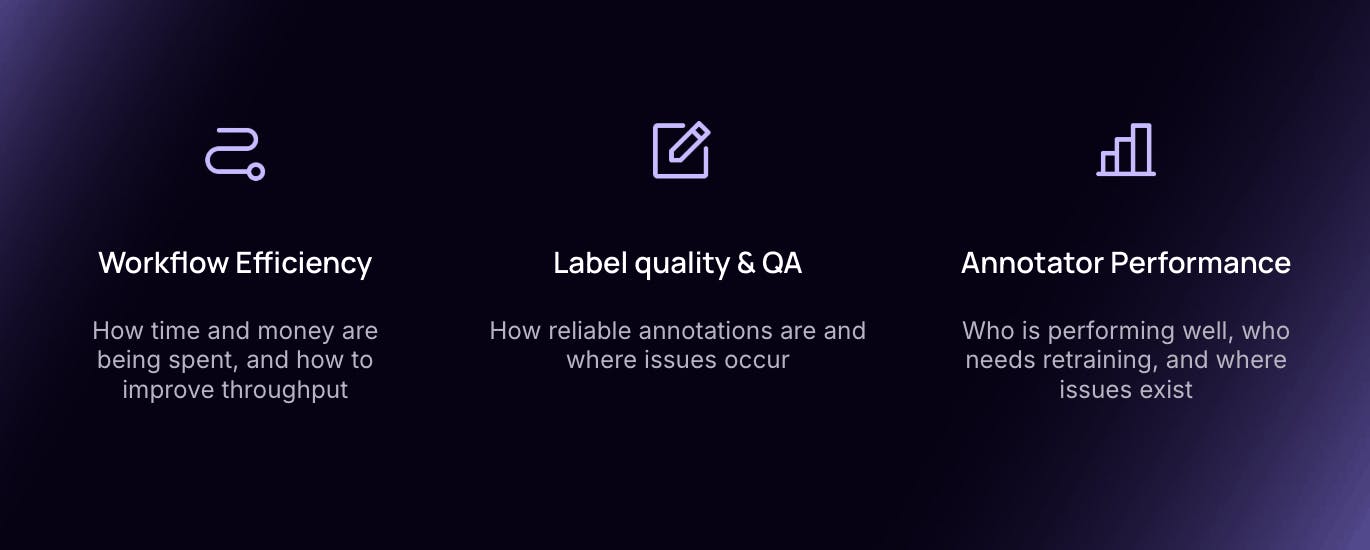
A core theme of the session was that throughput alone isn’t enough. You need to understand how time is distributed across your workflow.
Key metrics highlighted included:
- Time per task vs. expected benchmarks
- Stage efficiency, such as the ratio of annotation time to review time
- Backlogs by workflow stage, which often reveal reviewer drag
In the demo, analytics quickly surfaced tasks taking nearly twice as long as expected and showed that most of this time was concentrated in specific workflow stages.
3. Collaborator-level analytics help separate signal from guesswork
One of the most powerful moments in the demo came from drilling down into collaborator performance.
By comparing:
- Tasks completed
- Average time per task
- Time spent per label
the team identified an annotator who appeared to be a throughput bottleneck. But crucially, they didn’t stop there.
Instead of jumping straight to retraining or removal, they used analytics to test hypotheses and avoid making the wrong call.
4. Quality issues often live at the ontology level not the person level
At first glance, higher rejection rates seemed to confirm that one annotator was underperforming. But when the team compared rejection rates across the entire cohort, a different story emerged.
The real issue wasn’t who was annotating but rather, it was what they were annotating.
Certain ontology classes (e.g. cars vs. pedestrians) had systematically higher rejection rates across all annotators. This pointed to:
- Ambiguous class definitions
- Data quality issues (e.g. blurry images)
- Overly complex label requirements
5. Issues and comments are qualitative analytics
Quantitative data show you that a problem exists in your workflow, but it misses the additional context. Issues and comments, on the other hand, provide the ‘why’ behind these problems arising.
By analysing issue tags raised during annotation and review, the team surfaced recurring themes such as:
- Labels being too large or inaccurate
- Wrong class assignments
- Poor image quality
This direct feedback from annotators and reviewers created clear action paths:
- Clean or filter incoming data
- Tighten annotation guidelines
- Adjust label fidelity requirements
6. High-fidelity labels aren’t always the right answer
A recurring theme was the trade-off between label precision and throughput.
In some cases, annotators were producing very detailed polygon annotations with many vertices, leading to longer task times but only marginal gains for the model. Analytics made it possible to question whether:
- Bounding boxes were sufficient
- Simpler label types could unlock faster iteration
- Fidelity could be adjusted based on model maturity
7. Analytics enable confident scaling
The session closed with a clear message: scaling annotation only works once efficiency and quality are under control.
By combining:
- Workflow efficiency metrics
- Collaborator and ontology-level quality insights
- Editor logs, activity histories, and SDK-level analysis
ML leaders can scale their AI data pipelines confidently, ensuring that models are trained on high quality training datasets that are annotated, reviewed, and iterated on quickly.